You won’t have to worry about limited bandwidth or data now that Valve has fixed local network game transfers on Steam
(Image credit: Thiago Prudencio/SOPA Images/LightRocket via Getty Images) One saving grace of a flat mate is setting up 'family sharing' on each other's Steam libraries at the earliest opportunity. Another s...
One saving grace of a flat mate is setting up 'family sharing' on each other's Steam libraries at the earliest opportunity. Another saving grace is leveraging local network game transfers to then have a go at whichever game has become your roommate's flavour of the month, and judging them accordingly.
Recently though, Steam's local network game transfers hadn't been working as intended. For instance, some folk would attempt to kick off a local transfer, only for Steam to download via the internet instead. That's less than ideal if your bandwidth is scarce or you're working with limited data. Thankfully, Valve shipped a fix to the stable channel of the Steam Client on Monday.
That means, you should now be able to transfer games between gaming desktops, laptops, and handhelds like the Steam Deck once more—so long as you've got the most up to date version of the Steam client installed. Stick with me, because I'll tell you how to check Steam is up to date on your PC and Steam Deck.
To check you're up to date on PC, open the client, click 'Steam' in the top left corner, and click 'Check for Steam Client Updates…' from the drop down menu. You may then need to restart the client to apply the update.
On Steam Deck, the settings cog at the top of the screen will usually display a bright yellow exclamation point to let you know you've got an update. You can also manually check for updates by clicking or tapping on the settings cog, or by pressing the device's physical 'Steam' button and selecting 'Settings' from there.
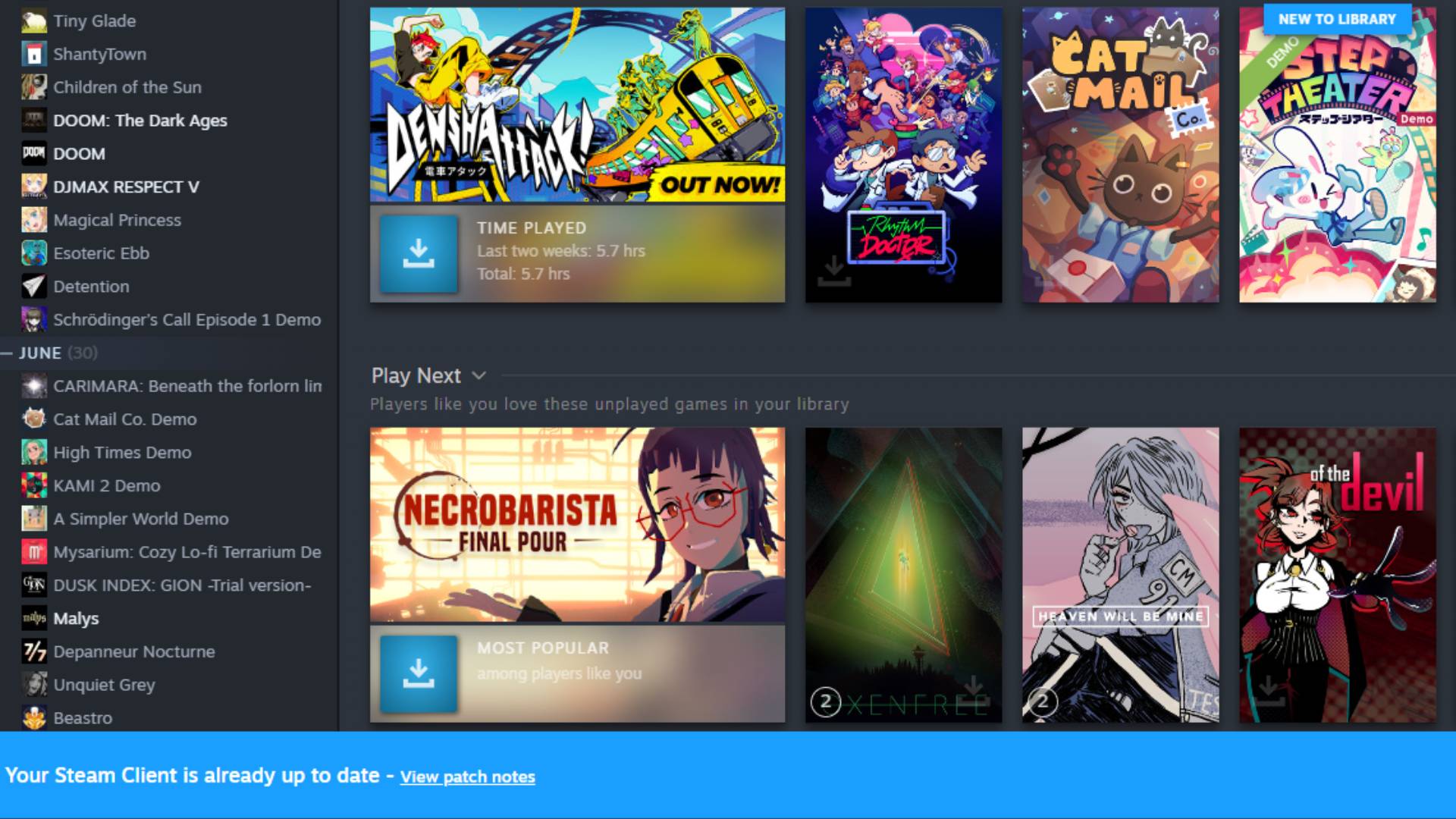
Once you're in the settings menu, you'll want to navigate to 'System' and check under 'Updates'. If there's a yellow exclamation point beside 'Software Updates,' you'll want to then tap 'apply' (if there isn't a yellow exclamation point already, you can simply tap 'Check for updates'). Once the update has been downloaded and applied, you'll need to restart your Steam Deck.
One more thing: Local Network Game Transfers may not work between devices rocking different versions of the Steam client, so you really will want to update everything when you can. Now that Valve has fixed the issue that was holding back the feature before, you can share whatever is already lurking on your SSD much more easily.
Keep up to date with the most important stories and the best deals, as picked by the PC Gamer team.
Now, if you'll excuse me, I'm going to give my flatmate a slide presentation on why they should play Cat Mail Co.—and immediately afterwards, they're going to give me a presentation on the virtues of finally finishing 007: First Light.
Jess has been writing about games for over ten years, spending a significant chunk of that time working on print publications PLAY and Official PlayStation Magazine. When she’s not investigating all things hardware here, she's either constructing a passionate defence of a 7/10 game, daydreaming about her debut novel, or feeling wistful about the last time she chased some nerds around a field with an oversized foam sword.