Windows 11 Home Vs Pro: What’s the difference, and is it worth the upgrade? - Engadget
Most people shouldn't bother with Pro. ...
Most people shouldn't bother with Pro.
Nguyenducquang/Getty Images
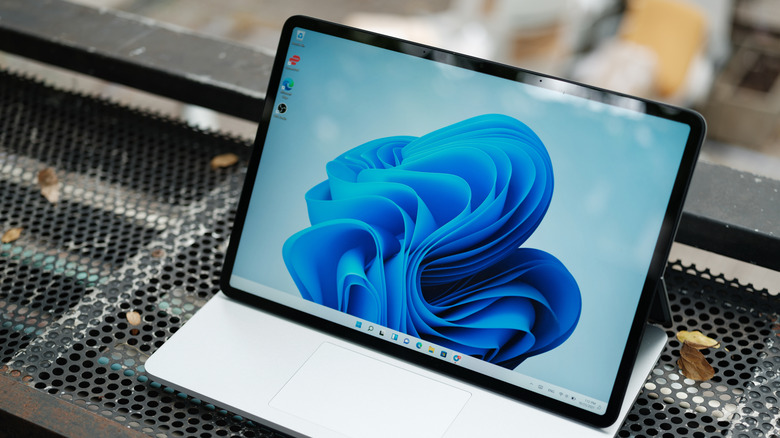
Which is better: Windows 11 Home or Windows 11 Pro? And if it's the latter, is the more business-focused OS really worth $60 more than Microsoft's standard version? Windows 11 is generally a pleasant operating system (until it isn't) — but despite its flaws, the Home edition should tick all the boxes everyday PC users need. That said, the virtues of Windows 11 Pro shouldn't be written off entirely. With improved security measures and handy features like Remote Desktop hosting, there's a small audience who will get the benefits of Microsoft's more expensive OS. Let's dive into the differences between the two versions of Windows 11.
Windows 11 Home vs Windows 11 Pro: Key differences
ZikG/Shutterstock
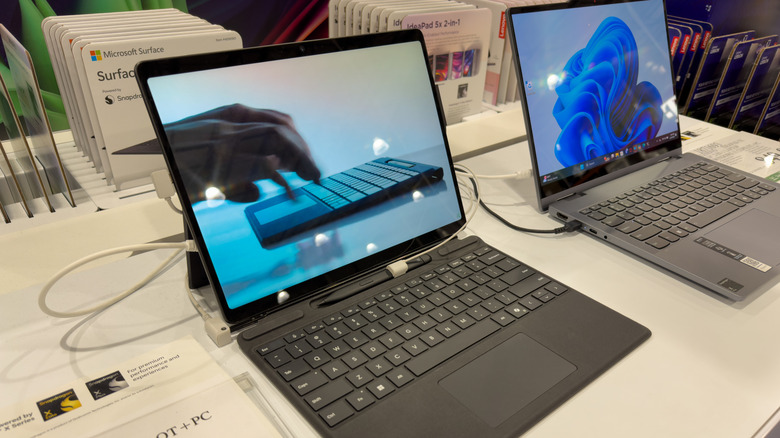
Broadly speaking, both versions of Windows 11 are extremely similar. Imagine that meme of two Spider-Men pointing at each other... only one can handle more RAM (which we'll get to). As for their feature sets, there's almost nothing to separate the Home and Pro editions of Microsoft's latest OS. The same widgets, easy Bluetooth pairing, Copilot functionality, snap layouts to make window management easier and Game Bar features are present and correct in both.
The key differences boil down to price and the more business-focused features that make Windows 11 Pro a better option for companies. Microsoft ended Windows 10 support a while ago, yet folks who are still using the Big M's previous OS can upgrade to Windows 11 Home for free. If you're building a new PC and want to install a fresh copy of Windows 11 though, you'll need to cough up some cash. A license key for Home currently costs $140, while a Pro license will set you back $200.
Is that extra $60 for Pro worth it to your average Windows user? Almost certainly not. There are features that may be attractive for prosumers, though. Like Windows 11 Pro's robust BitLocker that offers enhanced security management for greater data protection, or the ability for remote desktop control that should prove useful for individuals running multiple systems.
Does Windows 11 Pro support more RAM?
Vlado85rs/Getty Images
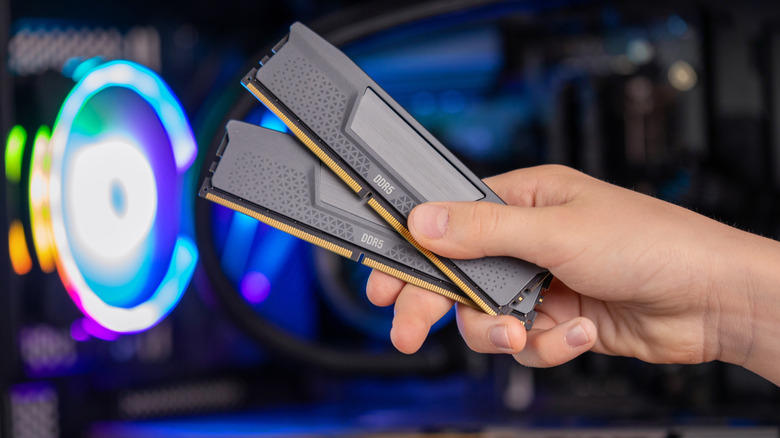
Windows 11 Pro does support a ton more memory than the standard version — but for average users, Pro's RAM limit is complete and utter overkill. To be clear, Windows 11 Home isn't exactly stingy when it comes to max memory support, topping out at an almighty 128 GB. For context, 16 GB is normally enough for all but the most hardcore gamers or prosumer video editors (who will benefit from 32 GB and 64 GB of RAM respectively).
As for Windows 11 Pro, Microsoft's top tier operating systems tops out at an absurd 2 TB of RAM. With RAMaggeddon not expected to ease anytime soon, that's an eye-watering figure to contemplate. Obviously that limit isn't designed with home users in mind. Instead, 2 TB of RAM capacity is aimed at firms using virtual machines, AI data centers or companies who specialize in advanced 3D rendering. So yes, Windows 11 Pro does have greater memory capacity than Home, but this expanded quota will never affect everyday users and should have no bearing on your purchasing decision.
Is Windows 11 Pro worth the upgrade?
Nguyenducquang/Getty Images
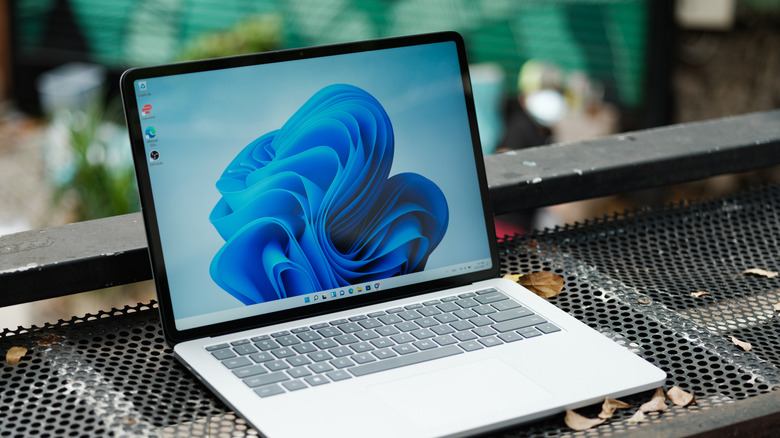
Unless you're a high-end user who craves advanced security features or regularly needs to access their business network from home, Windows 11 Pro definitely isn't worth your money. If all you do in Windows is browsing, gaming or a little image/video editing, the Home version of Microsoft's OS has all the apps and features you'll need. It's also important to note that Windows 11 Pro isn't faster than Windows 11 Home — both perform identically, whether for gaming or general booting/desktop navigation.
For business users or developers, there is a case to be made for buying Windows 11 Pro. The main selling points of the slightly more advanced OS are remote desktop hosting, improved security measures courtesy of BitLocker and the addition of Hyper-V. The latter feature allows you to safely run the likes of Linux, which devs will appreciate. Pro also boasts Windows Sandbox: A feature that launches an isolated version of Windows to help developers run unknown apps and scripts.
Still, for the vast majority of folks reading this, Windows 11 Home is the OS you want. More advanced business users and devs will find Pro's added features a worthwhile upgrade, yet for everyday use, Home has you covered. Let's just hope Windows 12 offers a smoother, less cluttered experience than either current OS.